
For Blue Castle Residents
How to Submit a Maintenance Request in DoorLoop
A complete request helps Blue Castle understand the problem, choose the right response and coordinate access.
Direct Answer
Open Blue Castle’s DoorLoop portal, start a new tenant or maintenance request, identify the exact location and problem, add useful photos, state whether entry is authorized and include pets and scheduling details.
Submit the Request
- First decide whether anyone is in immediate danger. If so, follow the emergency instructions below.
- Log in to DoorLoop and open the requests or maintenance option shown in your portal.
- Choose the closest request category available.
- Write a short subject that names the room and problem, such as Kitchen sink supply line dripping.
- Describe when it started, what you observe, whether it is getting worse and any safe steps already taken.
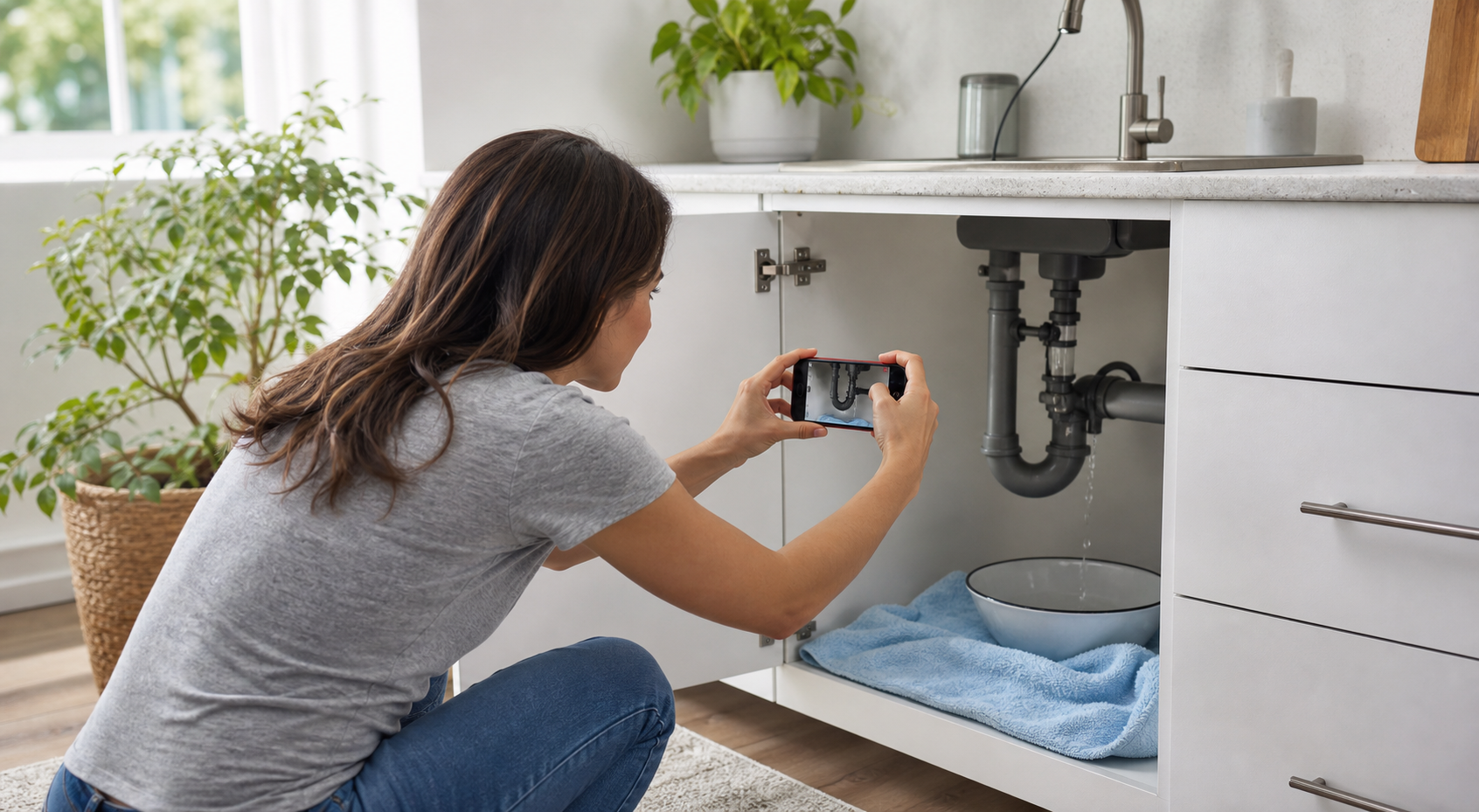
- Add clear photos or a short video if the portal offers an attachment option.
- State whether Blue Castle and an assigned vendor have permission to enter. Include preferred availability, entry limitations, alarm information and any pets.
- Review the request, submit it once and save the confirmation or request number.
Information That Helps
| Include | Example |
|---|---|
| Exact location | Under the kitchen sink, left supply line |
| Timing and severity | Started Tuesday at 7:30 p.m.; continuous drip when faucet is used |
| Equipment details | Appliance brand, model, error code or thermostat reading |
| Safe actions taken | Placed a bowl under the drip; did not disassemble anything |
| Access and pets | Entry permitted 9 a.m.–4 p.m.; dog will be crated |
After You Submit
- Use the existing request for updates instead of opening duplicates.
- Add new photos if the condition changes or damage spreads.
- Watch the DoorLoop activity feed, email and phone for questions or scheduling.
- Do not perform repairs, hire a contractor or alter the property without authorization.
- If a routine issue becomes urgent, use the emergency contact path rather than waiting on the portal.
DoorLoop explains how requests are recorded and updated in its tenant request guide.
Immediate Danger Comes First
Call 911 for fire, suspected gas, carbon monoxide, a medical emergency, an active break-in or immediate danger. Take safe action to protect people. Once safe, notify Blue Castle. For major active water, electrical hazards, sewage backup or loss of essential services, use Blue Castle’s emergency maintenance path and do not rely only on a routine portal request.
Your Lease Still Controls
This guide explains Blue Castle’s usual online process. Your signed lease, property rules, notices, and property-specific instructions control if they differ from this page. Portal features can also vary by property or lease.